
Why Getting Tile Quantity Right Matters
Ordering too little tile means running back to the store mid-project — and finding that the same tile is out of stock or from a different dye lot that doesn't match perfectly. Ordering too much means unnecessary cost. Getting the quantity right (with an appropriate waste buffer) is the most important pre-purchase step in any tile project.
Step 1: Measure Your Space
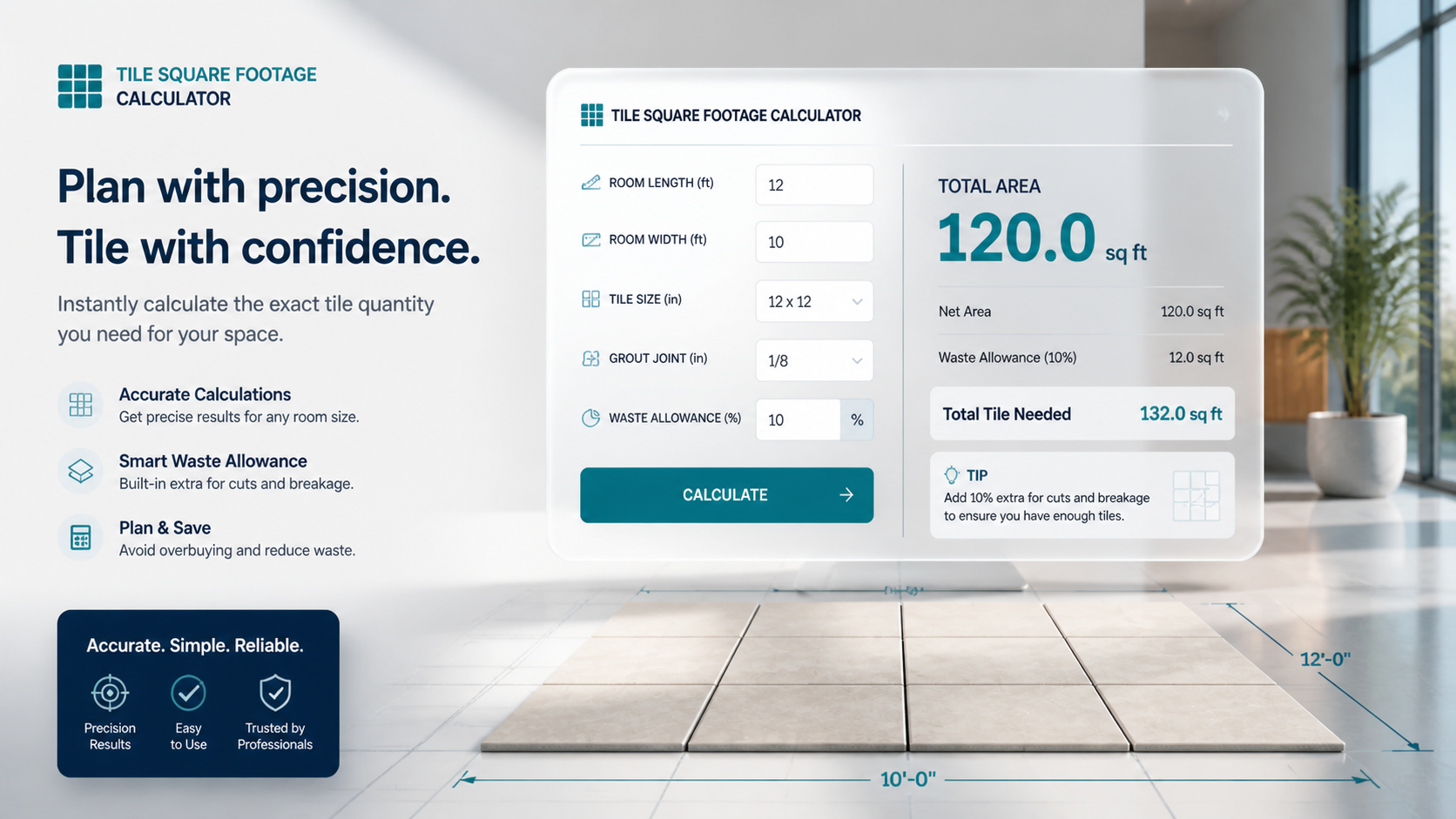
For a rectangular room: Measure the length and width in feet. Multiply them together.
Example: 10 feet x 12 feet = 120 square feet.
For L-shaped rooms: Divide the shape into two rectangles, calculate each separately, then add the totals.
For walls or backsplashes: Measure the height and width of each section to be tiled, subtract any openings (windows, outlets), and add all sections together.
Use the Square Footage Calculator
Step 2: Add the Waste Factor
- Always add 10% to your base square footage for a straightforward installation with square tiles in a simple grid pattern.
- Add 15% for diagonal installations, herringbone or chevron patterns, or rooms with many angles and interruptions.
- Add 15–20% for natural stone tiles, which have more natural variation and may require rejecting some tiles for visual consistency.
This waste buffer accounts for cuts, breakage during installation, and future repairs.
Step 3: Convert to Boxes
Tile is typically sold by the box, and each box covers a stated square footage (usually printed on the box). Divide your total estimated square footage (including waste) by the coverage per box to determine how many boxes you need. Always round up to the nearest whole box.
Example: You need 138 square feet of tile. Each box covers 15 square feet. 138 ÷ 15 = 9.2 boxes → order 10 boxes.
Step 4: Keep Extra Tiles for Future Repairs
Order at least one extra box beyond your calculated need and store it. If a tile is ever chipped, cracked, or needs replacement in the future, you will have tiles from the same production dye lot. A dye lot mismatch — even in the same color — can be very obvious on a finished floor.
Shop All Floor Tiles
Use Flair Decos' Free Square Footage Calculator
Our free Square Footage Calculator at flairdecos.com handles the math for you — just enter your room dimensions and it instantly estimates how many tiles you need, including the waste factor. It works for floors, walls, and backsplash projects.
Use the Square Footage Calculator